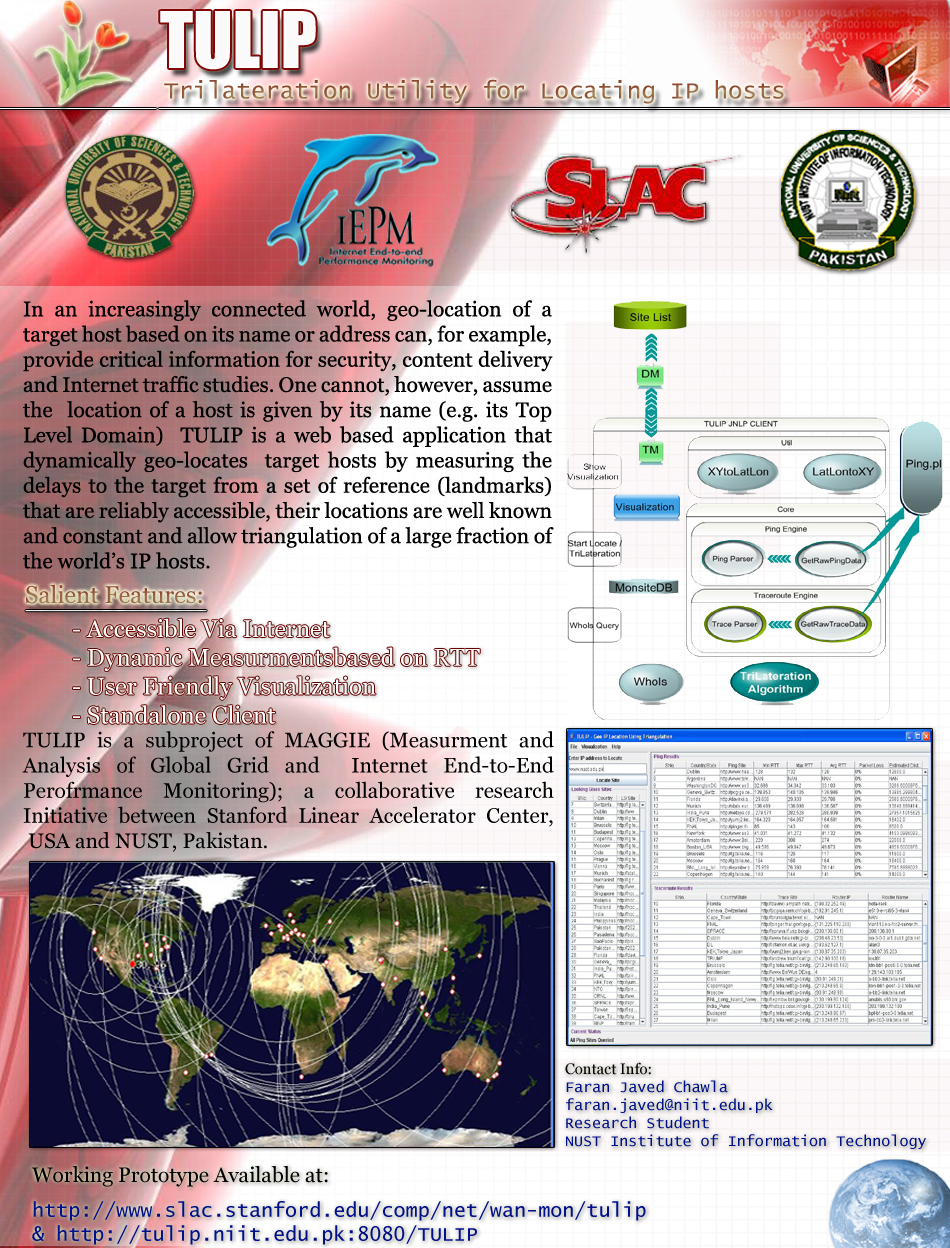
TULIP is a Java application being
developed by the MAGGIE-NS team from the
National University of Sciences and
Technology (NUST) Institute of Information
Technology (NIIT) and the Stanford
Linear Accelerator Center (SLAC) Internet End-to-end Performance
Monitoring (IEPM) project. TULIP's purpose is to geolocate a specified
target host (identified by IP name or address) using ping RTT delay measurements
to the target from reference landmark hosts whose positions are well known.
Knowing the speed of light in fibre or copper (roughly 0.6*c, we use 1ms. is
equivalent to 100km), the minimum ping RTT measurement from each landmark site
gives a rough estimate of the fibre + copper cable distance of the landmark from
the target host. Lateration is applied on these distance estimates to estimate
the position of the specified host on the globe.
Lateration is the calculation of
position information based on distance measurements. Multi-lateration computes
the position of an object by measuring its distance from multiple reference
positions. Calculating an object's position in two dimensions requires distance
measurements from 3 non-collinear points (hence Trilateration).
Using RTTs: A similar tool to TULIP is Octant from Cornell, which
currently works well for the U.S.
Domain Name Services (DNS) may also help in locating a host. The DNS LOC (location) resource record is
designed to make this data available. In addition the names of routers often
contain their location (e.g. city) so a traceroute may help identify where a
host is near.
Autonomous Systems (AS): Given an IP or host name you can use Fixed Orbits to find the
relevant AS. Then using a
table of AS number to name you can find out more about the AS (e.g.
contacts, HQ site etc.)
Whois databases: Examples of sites that provide information from
such sources include: IP2location
(max 20 requests per day unless sign up), AntiOnline, GeoIP (max 25 requests per day unless sign
up), DNSstuff
Geolocation, and Hostip.info.
Visual TraceRoute Servers: Example of a site that provides such
information is VisualRoute
Geo IP Tool and
http://www.ip-address.com/">IP-address.com display location of a
selected host/address using Google maps.
Also see NetGeo
from CAIDA, which though no longer maintained has many useful links.
If you want to find the great circle distance and know the latitude
and longitude coordinates of the two ends then you can use the Movable Type
Scripts web page. World
Gazeteer provides access to data with lat/longs, cities, countries &
populations (
download data). You can also make a name server lookup for a
host, or if you don't know the exact name try DomainSurfer. There is also an Atlas of Cyberspace
that provides maps and graphic representations of the geographies of the new
electronic territories of the Internet, the World-Wide Web and other emerging
Cyberspaces and the Corpex sponsored Cyber
Geography Research.
If one knows where a host is located then one can choose what content to
send to the host, for example what language to use, what local services to
recommend etc.
It can be useful for security to pin-point the location of a suspicious
host.
It can be used to supplement or verify the information in databases such
as Whois, DNS and PingER.
It can be used to help determine from where to get a replicated service.
The pings from multiple landmarks can help identify hosts that have
proxies. For example try j.root-servers.net. You will find that for different
landmarks there is a response from hosts in Japan, the US, Europe, Brazil etc.
Java Web Start must be
installed on your system. It requires a configuration file that provides the
name and location of each landmark, the URLs for the ping and traceroutes. At
SLAC this is kept at /afs/slac/www/comp/net/wan-mon/tulip/Sites.txt.
For hosts in the world at large it is
important to have landmarks that enable the host to sit within a triangle of
landmarks 1,2. Thus we are very interested in getting more landmarks
that cover the world. The requirement on a landmark is to install a reverse
traceroute/ping server (see Traceroute
Servers for HENP & ESnet) on a web server at the landmark site.
Instructions for downloading and installing the traceroute server are available
at http://www.slac.stanford.edu/comp/net/wan-mon/traceroute-srv.html#code.
After it installed please let us know so we can add the landmark to the TULIP
configuration file (see the bottom of this page for our email addresses).
If the target host is connected via a geostationary satellite (minimum
RTTs > 600ms) then the triangulation will not be accurate.
Some IP names and addresses actually refer to multiple hosts in very
different locations. An example are some of the Internet's root name servers. Such hosts will
appear to be close to multiple locations, so TULIP will be confused.
Sometimes name service can be very slow causing the pings to timeout. In
such a case you can try giving it the IP address instead of the name.
If TULIP complains that it cannot load since another copy is already
running, then delete the file C:\Program Files\Mozilla Firefox\pres